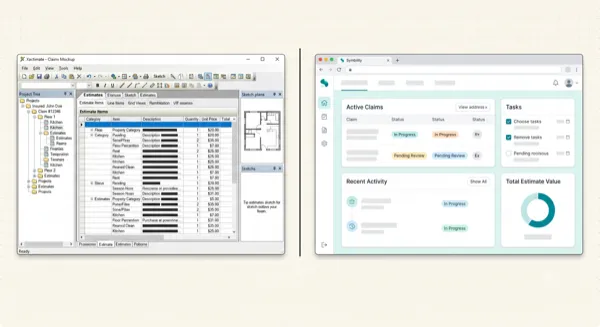
I Work in Xactimate Monday and Symbility Tuesday. Here's How I Stay Sane.
Article Image
Two Platforms, One Very Tired Brain
I wrote a comparison of Xactimate and Symbility a few weeks back. People liked it. But the number one question in my DMs afterward wasn't "which is better?" It was "how do you actually manage working in both every single week without losing your mind?"
Fair question. Because I nearly did lose it about two years ago.
I was writing a hail damage estimate for an Erie policyholder in Xactimate on Monday. Tuesday morning I switched to a water loss for Intact in Symbility. I muscle-memoried my way through the first 20 minutes and then realized I'd been searching for Xactimate codes inside Symbility's search bar. Just typing "RFG LAMI" over and over wondering why nothing came up.
That's the kind of mistake you make when your brain is context-switching between two different systems that do the same job in completely different ways.
After that day, I sat down and built an actual system for dual-platform work. Not a theoretical framework. A practical, day-to-day survival guide based on what actually trips you up and how to fix it.
The Five Things That Trip You Up When Switching
1. The Codes Are Completely Different
This is the big one. Xactimate and Symbility describe the same physical work using entirely different code systems.
In Xactimate, laminated architectural shingles are RFG LAMI. In Symbility, you search "architectural shingle" and pick from their list. The result is the same line item in your estimate, but the path to get there is different.
For common items — shingles, drywall, paint, carpet — you'll learn both sets of codes within a month. The problem is the uncommon items. Specialty demolition. Antimicrobial coatings. Specific trim profiles. In Xactimate I know exactly which code to use. In Symbility, I sometimes spend 5 minutes hunting for the equivalent.
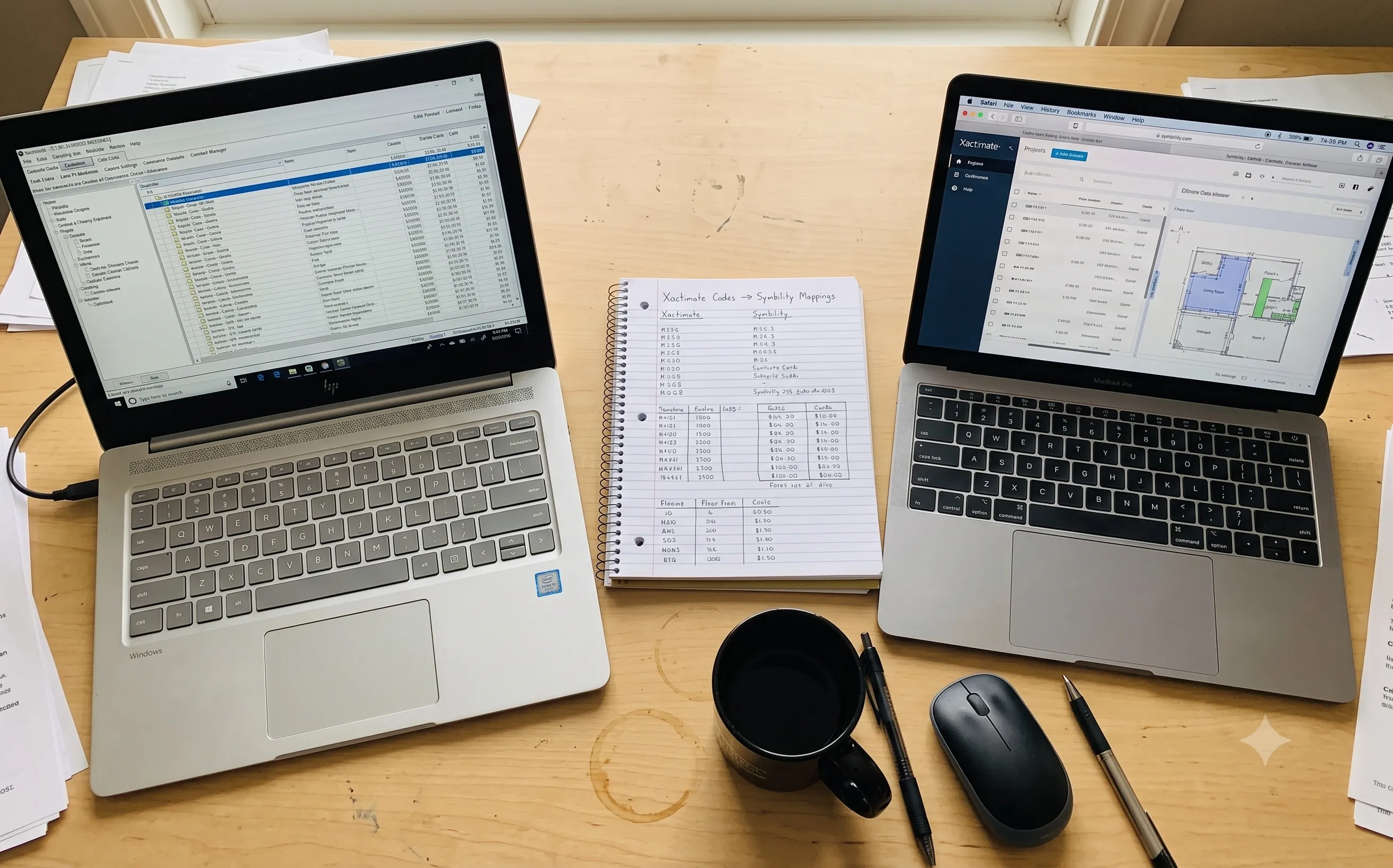
Build a personal code mapping spreadsheet. Two columns: Xactimate code on the left, Symbility equivalent on the right. Start with your 50 most-used items and add to it as you go. This one document has saved me more time than any software tool.
2. The Pricing Doesn't Match
Same scope. Same quantities. Same region. Different platform. Different total.
I wrote identical scopes for a 30-square roof in both platforms last month as a test. Xactimate came in at $14,200. Symbility came in at $16,800. That's an 18% difference on the same roof.
The pricing databases are independent. Verisk surveys their data their way. CoreLogic surveys theirs. They weight materials and labor differently. They update on different schedules.
This matters because homeowners see these numbers. When a Symbility carrier pays out $16,800 and the homeowner's neighbor with the same damage gets $14,200 from an Xactimate carrier, someone's going to be unhappy. I've had that exact conversation. It's awkward.
There's no fix for this. It's a platform reality. What I DO is always note the platform and price list period on every estimate I submit, so there's a paper trail if anyone questions the numbers.
3. The Keyboard Shortcuts Don't Transfer
This one seems minor but it's maddening. I've built 9 years of muscle memory in Xactimate. Keyboard shortcuts, navigation patterns, where things are in the menus. When I switch to Symbility, half of that muscle memory is wrong.
Xactimate is a Windows desktop app. Symbility runs in a browser. The entire interaction model is different. Right-clicking does different things. Tab behavior is different. The save pattern is different (Symbility auto-saves, which is nice but also means you can't "undo" by not saving).
I wasted my first month in Symbility clicking where Xactimate menus would be. The solution was to give myself a 5-minute "boot-up" period at the start of each platform switch. I open the software, click around for a minute, and let my brain recalibrate before I start actual work.
4. Sketch Workflows Are Different
Xactimate's Sketch is powerful but complex. Symbility's is simpler and more intuitive. If you've mastered Xactimate Sketch, Symbility's will feel limiting. If you learned Symbility first, Xactimate Sketch will feel like flying a 747 to go grocery shopping.
The room structures don't map 1:1 either. Xactimate lets you create complex nested area structures. Symbility keeps things flatter. When I'm converting an estimate between platforms, the sketch never comes along for the ride, so I end up redrawing it every time.
5. Moving Estimates Between Platforms Is Brutal
This is the real killer. When you need an estimate from one platform inside the other, you're looking at hours of manual re-entry. I covered this in depth in my Symbility conversion article, but the short version:
There's no direct export/import between Xactimate and Symbility. The codes don't map. The files aren't compatible. Verisk and CoreLogic are competitors who'd rather watch you suffer than build an interop feature.
My Actual Weekly Workflow
Here's how I organize my dual-platform week. This took me about six months of trial and error to dial in.
Batch by Platform
I don't switch between platforms multiple times per day if I can help it. Monday and Wednesday are Xactimate days. Tuesday and Thursday are Symbility days. Friday is flex.
This isn't always possible. Rush claims don't care about my schedule. But when I CAN batch, I do. Every platform switch costs me about 15 minutes of mental re-calibration. Over a week, that adds up.
Keep Two Browser Profiles
I run Symbility in a separate Chrome profile with its own bookmarks, saved passwords, and tabs. When I switch to "Symbility mode," I literally switch Chrome profiles. The visual change — different bookmark bar, different tab layout — helps my brain shift gears.
Use the PDF Bridge for Cross-Platform Estimates
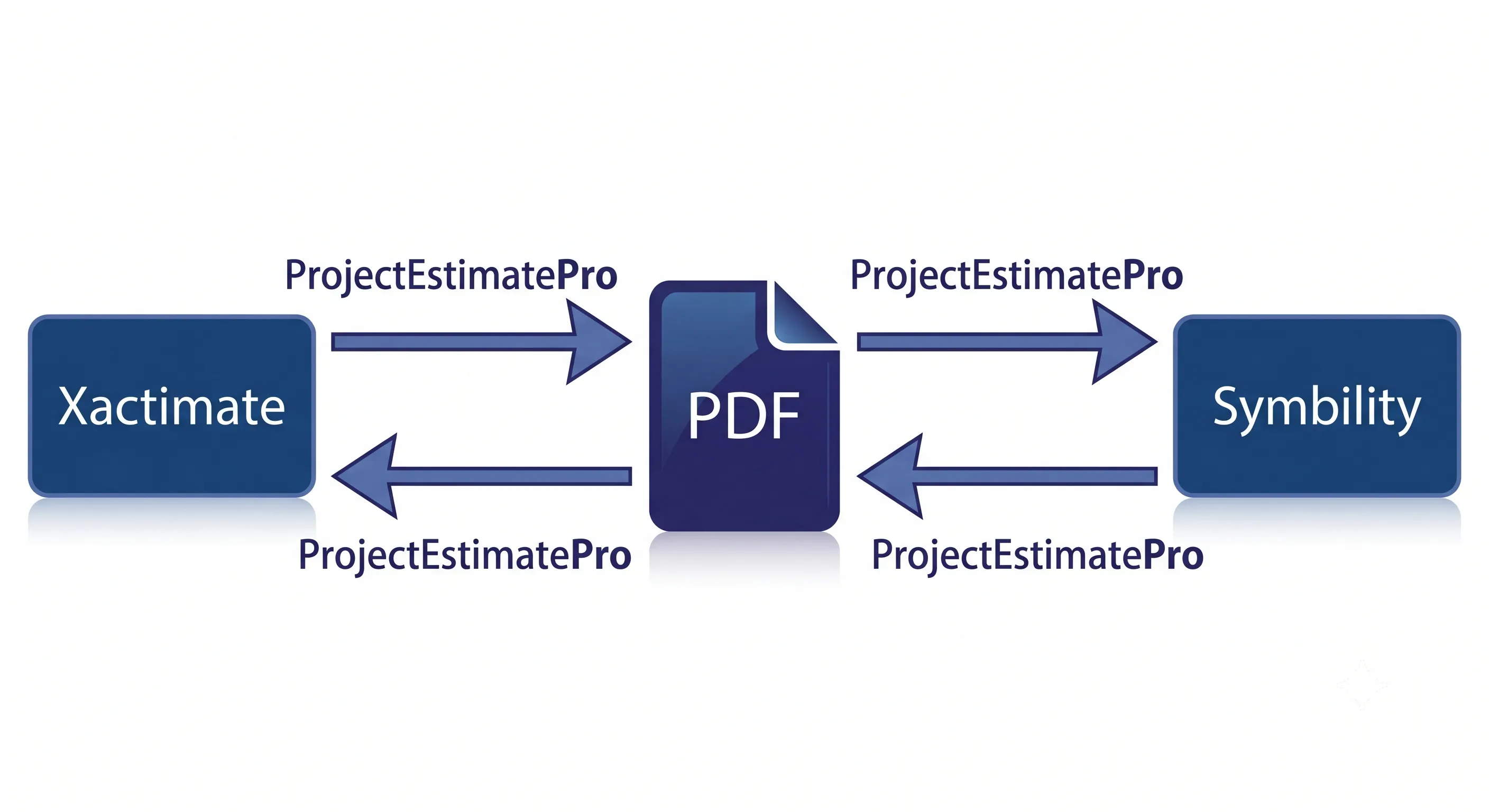
When I need to move an estimate between platforms, I don't re-type anymore. My workflow:
Xactimate → Symbility:
- 1Export the Xactimate estimate to PDF.
- 2Upload to ProjectEstimatePro to get the structured line-item extraction.
- 3Use that clean breakdown as my reference for entering into Symbility.
Symbility → Xactimate (coming soon):
- 1Export Symbility to PDF.
- 2Upload to ProjectEstimatePro for a structured line-item extraction.
- 3Use the organized breakdown as your reference for manual entry into Xactimate.
Right now, the Symbility-to-Xactimate direction is still mostly manual. ProjectEstimatePro is actively building Symbility XML support — once that lands, this will be a full upload-and-download-ESX workflow just like the Xactimate side. For now, the structured extraction still beats working from the raw PDF because the data comes out clean and grouped by room.
Maintain the Code Cheat Sheet
I mentioned this above but it's worth repeating. My spreadsheet has grown to about 120 items now. I keep it open in a pinned tab whenever I'm doing conversions. The 30 seconds it saves per line item adds up to hours per week.
Double-Check Pricing on Every Cross-Platform Comparison
If a homeowner, carrier, or attorney is comparing an estimate from one platform against an estimate from the other, I always flag the pricing difference upfront. "These estimates were written in different software platforms with different pricing databases. The scope is identical but the dollar amounts will differ due to platform pricing variances."
This one sentence has saved me countless awkward phone calls.
The Conversion Numbers
For anyone wondering whether a structured workflow actually saves time versus just grinding through conversions manually:
| Task | Manual Re-Entry | PDF Bridge Workflow |
|---|---|---|
| Xactimate → Symbility (150 lines) | 2.5-3 hours | 45-50 min |
| Symbility → Xactimate (150 lines) | 2.5-3 hours | ~1.5-2 hours (structured ref) |
| Weekly cross-platform conversions (avg 3-4) | 8-10 hours | 4-5 hours |
| Monthly time saved | — | 15-20 hours |
Those 15-20 hours per month are real. And once ProjectEstimatePro ships Symbility support (coming soon), that Symbility-to-Xactimate row should drop to 15-20 minutes, bringing the monthly savings closer to 25-30 hours. I spend it on scoping, supplementing, and actually adjusting claims — not copying data between incompatible platforms.
Will This Ever Get Easier?
The optimist in me says yes. The PDF-to-ESX conversion tools have gotten dramatically better in the past year. Somebody is eventually going to build a direct Xactimate-to-Symbility bridge. The demand is there. Every IA who works with multiple carriers would pay good money for it.
The realist in me says Verisk and CoreLogic will fight any interoperability that weakens their respective platform lock-in. So the solution will probably come from a third party, not from either vendor.
In the meantime, the dual-platform life is manageable if you have a system. Batch your work by platform. Build your code cheat sheet. Use the PDF bridge for conversions. And give yourself grace on the days when you type "RFG LAMI" into Symbility's search bar for the third time.
We've all been there.
Written by
Dana Whitfield
Independent Adjuster, HAAG Certified
Frequently Asked Questions
There's no direct conversion. The best approach is to export the Xactimate estimate to PDF, upload it to a tool like ProjectEstimatePro to get a structured line-item extraction, then use that as your reference for entering into Symbility. This cuts the conversion time roughly in half compared to working from the raw PDF.
Full Symbility-to-ESX conversion is coming soon to ProjectEstimatePro. Right now, you can export the Symbility estimate to PDF, upload it to get a structured line-item extraction, and use that organized breakdown for faster manual entry into Xactimate. Once Symbility support ships, it'll be a direct upload-to-ESX workflow.
They use independent pricing databases with different data sources, survey methodologies, and update schedules. In my experience, Symbility runs 15-20% higher on exterior items. This is a platform difference, not an estimating error. Always note which platform and price list period you used.
If you work with carriers that require both, yes. In the US, about 85% of carriers use Xactimate, with Symbility used by Hippo and some regionals. In Canada, the split is closer to 50/50. If all your carriers use one platform, you don't need the other. But diversifying your carrier portfolio usually means learning both.
No. The code systems are completely different. Xactimate's RFG LAMI (laminated shingles) has no equivalent code in Symbility — you search by description and select from Symbility's own item list. Build a personal cheat sheet mapping your most-used items between platforms.
Convert Your PDF Estimates to Xactimate
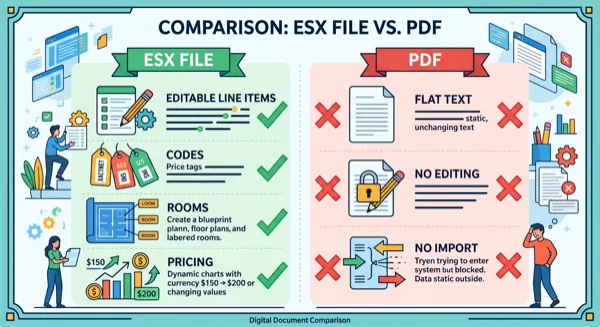
Upload a PDF and get an editable ESX file in minutes. No manual data entry required.
Try Free ConversionPractical next steps